
From Audio to MIDI in 3 Steps
No manual transcription. No ear training needed.
Generate a Song
Create any track with our AI Music Generator — any genre, any style. Takes about 2 minutes.
Open AI Generator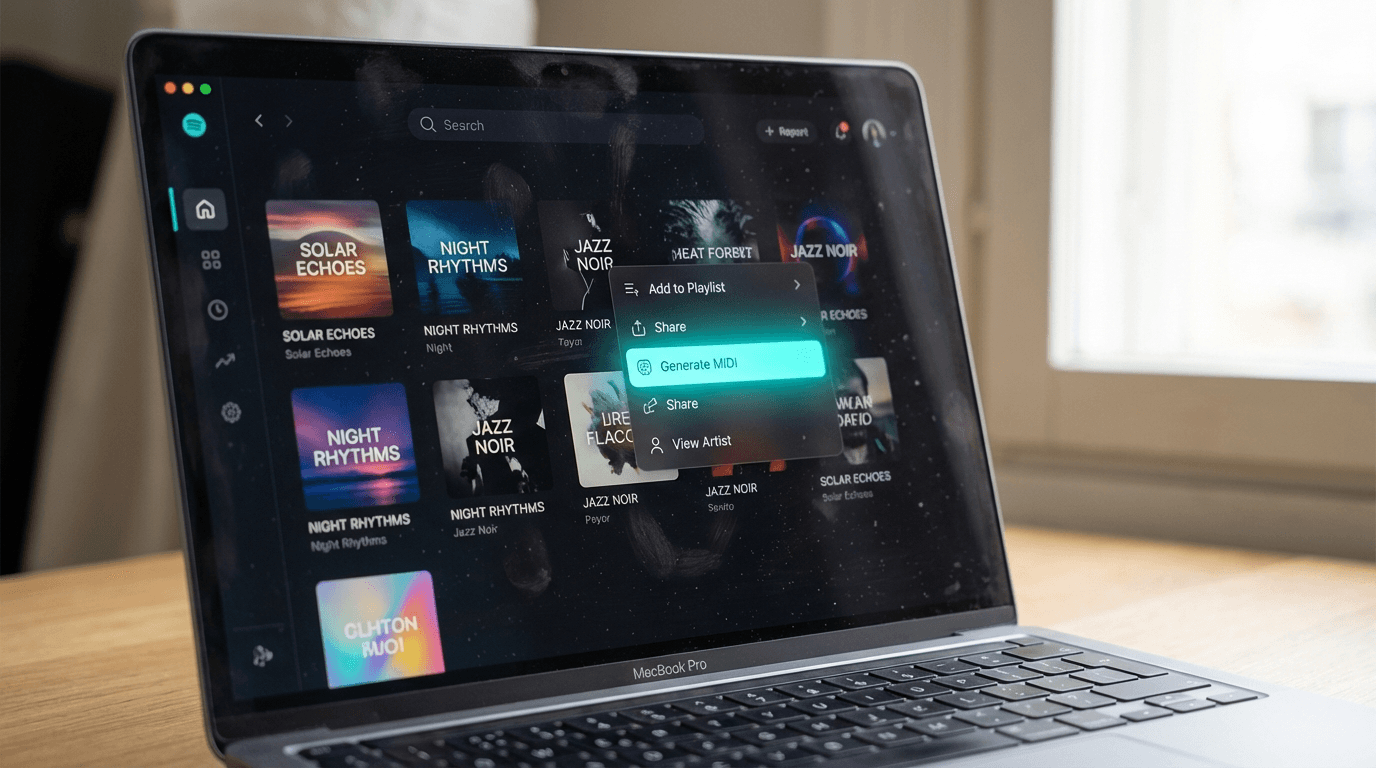
Click 'Generate MIDI'
Open your library, select a completed song, and tap Generate MIDI from the track options.
Go to My Library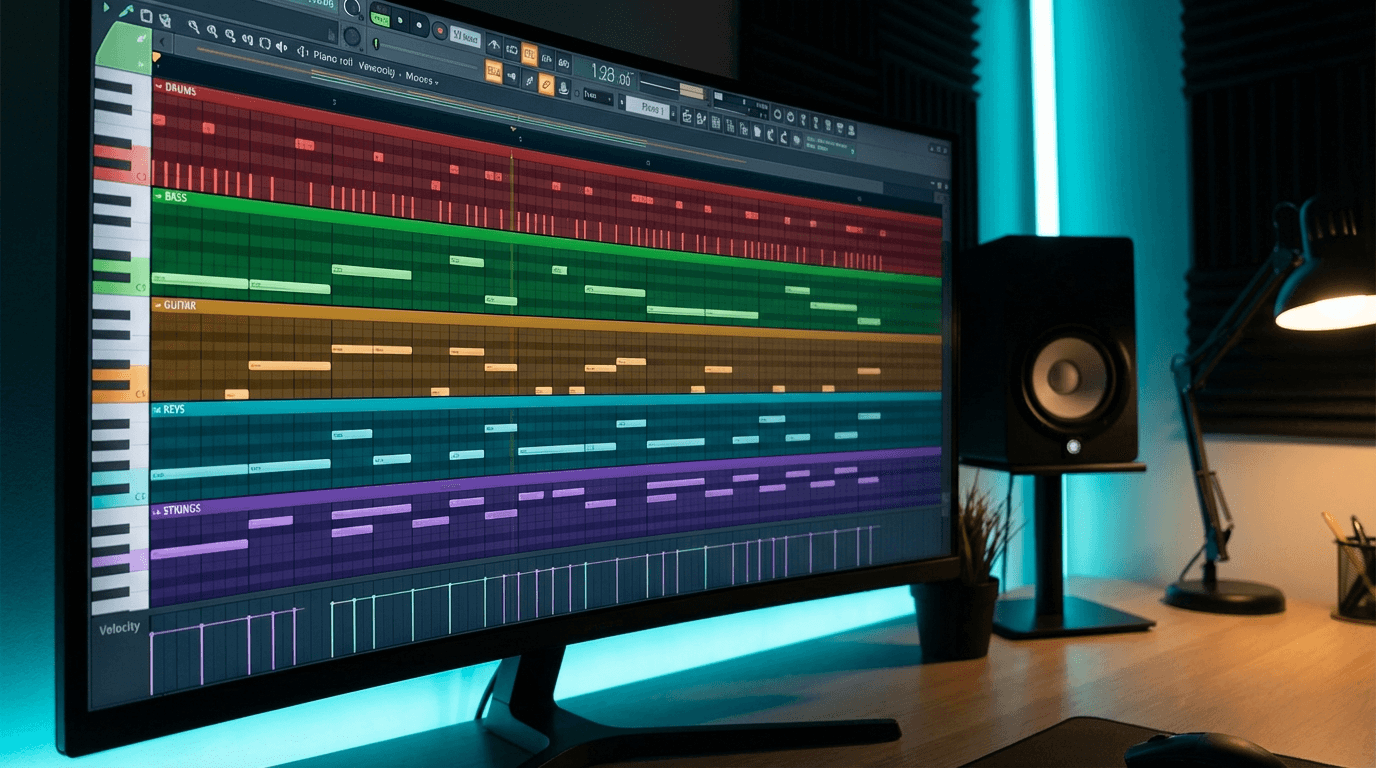
Import into Your DAW
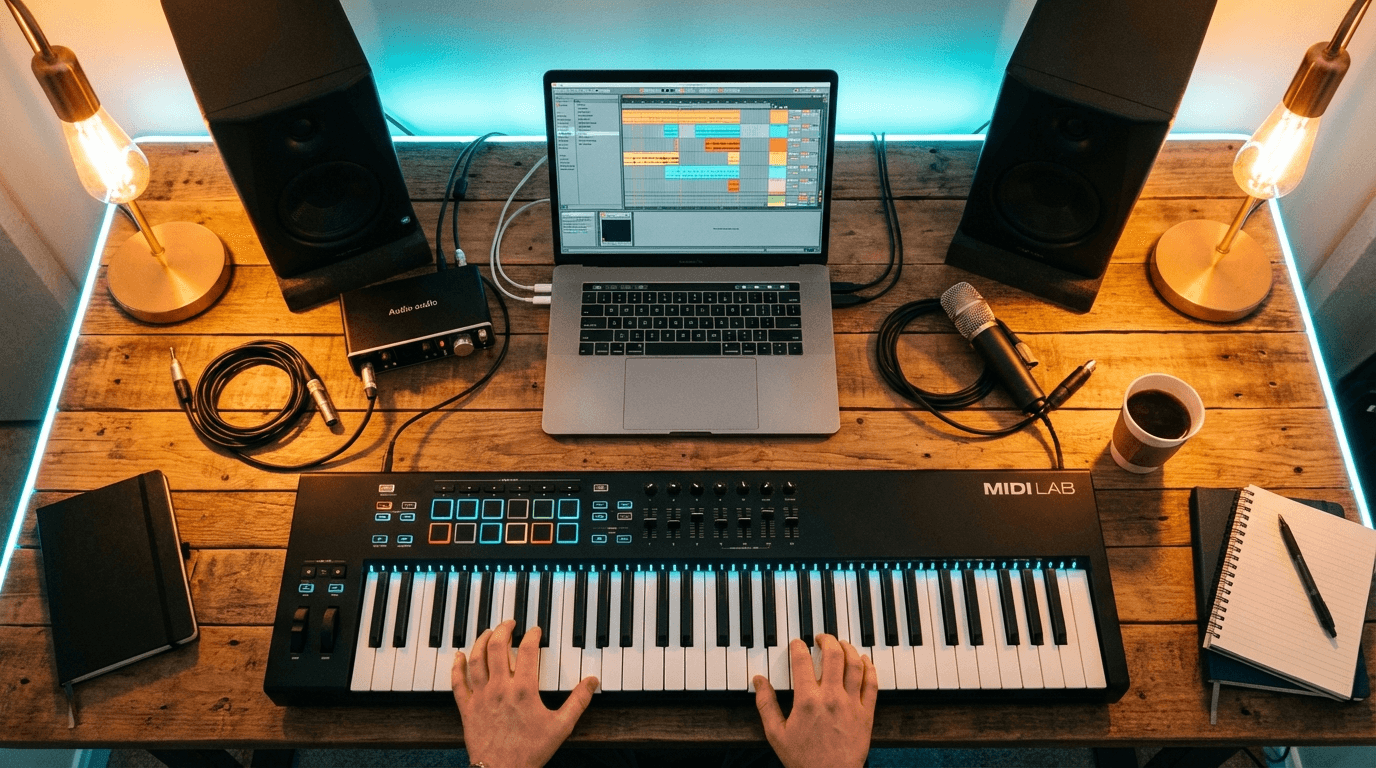
Download the .mid file and drag it into Ableton, FL Studio, Logic, or any MIDI-compatible DAW.
What Producers Are Doing With It
MIDI unlocks what audio can't — edit, replace, study, and build on.
"AI audio doesn't match my production style"
→ Use MIDI as a skeleton, swap in your own VSTs and samples
"Writing MIDI by ear from audio takes hours"
→ AI extracts the melody as editable MIDI notes in minutes
"Hard to analyze chord progressions just by ear"
→ Open the piano roll and see every note, chord, and pattern
"Want to change tempo, key, or swap instruments entirely"
→ Edit MIDI freely — transpose, quantize, stretch, rearrange
Professional MIDI Extraction
Editable Note Data
Get the song's melody and pitched lines as MIDI notes — each with pitch, timing, and velocity, ready to edit in any DAW.
Complete Note Data
Every note includes MIDI number, start time, end time, and velocity — everything your DAW needs for accurate reproduction.
Universal DAW Compatibility
Standard MIDI format works with Ableton Live, FL Studio, Logic Pro, Pro Tools, Cubase, GarageBand, and any MIDI-compatible software.
AI-Powered Accuracy
Neural network trained on diverse music styles detects pitch and timing with professional-grade precision.
Fast Processing
Extraction runs in the background and is usually ready in a few minutes — keep working while it processes.
Commercial License Included
MIDI derived from AI-generated music comes with full commercial rights for use in your productions and releases.