Free AI Vocal Remover — Separate Vocals from Any Song
Remove vocals from any song with AI. Isolate the vocal, keep the instrumental, or split the full track into stems — ready for your DAW, free to start.

Clean Vocal Separation
AI isolates the vocal from drums, bass and instruments with 95% accuracy — no artifacts, no watery backing track.
Vocals, Instrumental or Full Stems
Download the acapella, the instrumental, or every stem individually as MP3, ready for any DAW.
How to Use the Stem Splitter
Choose a Song
Pick any track from your AISong library — the songs you have generated here. Don't have one yet? Create a song with the AI Music Generator first, then come back and separate it.
AI Processing
Our advanced AI model analyzes the audio and separates it into up to 12 distinct stems: vocals, drums, bass, and other instruments. Processing typically takes 1-2 minutes depending on song length.
Download Your Stems
Download each stem as a separate MP3. Drop them straight into your DAW for remixing, practice or custom arrangements.
Key Features
2 or 12 Track Separation
Separate music into 2 tracks (vocals + instrumental) or up to 12 individual stems with professional-grade quality using advanced AI models.
Fast Processing
Process songs in 1-2 minutes with our optimized AI pipeline. No waiting for hours like traditional software.
High Quality Output
Get pristine audio quality with minimal artifacts. Perfect for professional music production and remixing.
All Genres Supported
Works with any music genre from EDM to Classical. Our AI is trained on diverse musical styles.
One Flat Price
Every separation costs 10 credits, whatever the track length. Run the same one again later and it's free — you already paid for that result.
Export to DAW
Each stem downloads as its own MP3, ready to import into any DAW like Ableton, FL Studio or Logic Pro.
Perfect For
DJs & Remix Artists
Create unique mashups and remixes by isolating specific elements. Swap drums, add acapellas, or create custom edits for your DJ sets.
Music Producers
Learn production techniques by studying isolated stems from professional tracks. Analyze drum patterns, basslines, and vocal production.
Karaoke & Practice
Remove vocals for karaoke or isolate them for practice. Study vocal techniques or create backing tracks for performances.
Video Editors
Extract specific elements for video soundtracks. Use just the drums for intense scenes or instrumentals for background music.
How to Remove Vocals from a Song
Removing vocals from a song used to mean phase-cancellation tricks that left a hollow, watery backing track. An AI vocal remover works differently: the model has been trained on millions of separated recordings, so it recognizes what a human voice sounds like and lifts it out cleanly.
On this page the 2-track mode is the vocal remover. Pick any song from your AISong library and you get two files back: the isolated vocal and the instrumental. It costs 10 credits, and new accounts start with free credits, so you can try it on a couple of tracks before paying anything.
If you need more than the voice separated, switch to the 12-track mode. Instead of a single instrumental you get drums, bass, guitar, keys, strings and the rest as individual stems. Producers use that to rebuild an arrangement; if you only want to take the voice out of a song, the 2-track vocal remover is faster and cheaper.
Make Karaoke Tracks, Instrumentals and Acapellas
A karaoke track is simply a song with the lead vocal taken out, so the same separation that powers the vocal remover also makes karaoke versions. Run a track through the 2-track mode, keep the instrumental, and you have a backing track that follows the original arrangement exactly — no re-recorded cover, no missing fills.
The opposite works too. Keep the vocal instead and you have an acapella you can drop over a new beat, chop into samples, or use for a remix. Singers use the acapella to study phrasing; producers use it as source material.
Each stem comes back as its own MP3 file, so you can drop the acapella or the instrumental straight into a DAW, a sampler, or a karaoke player.
What is AI Stem Splitting?
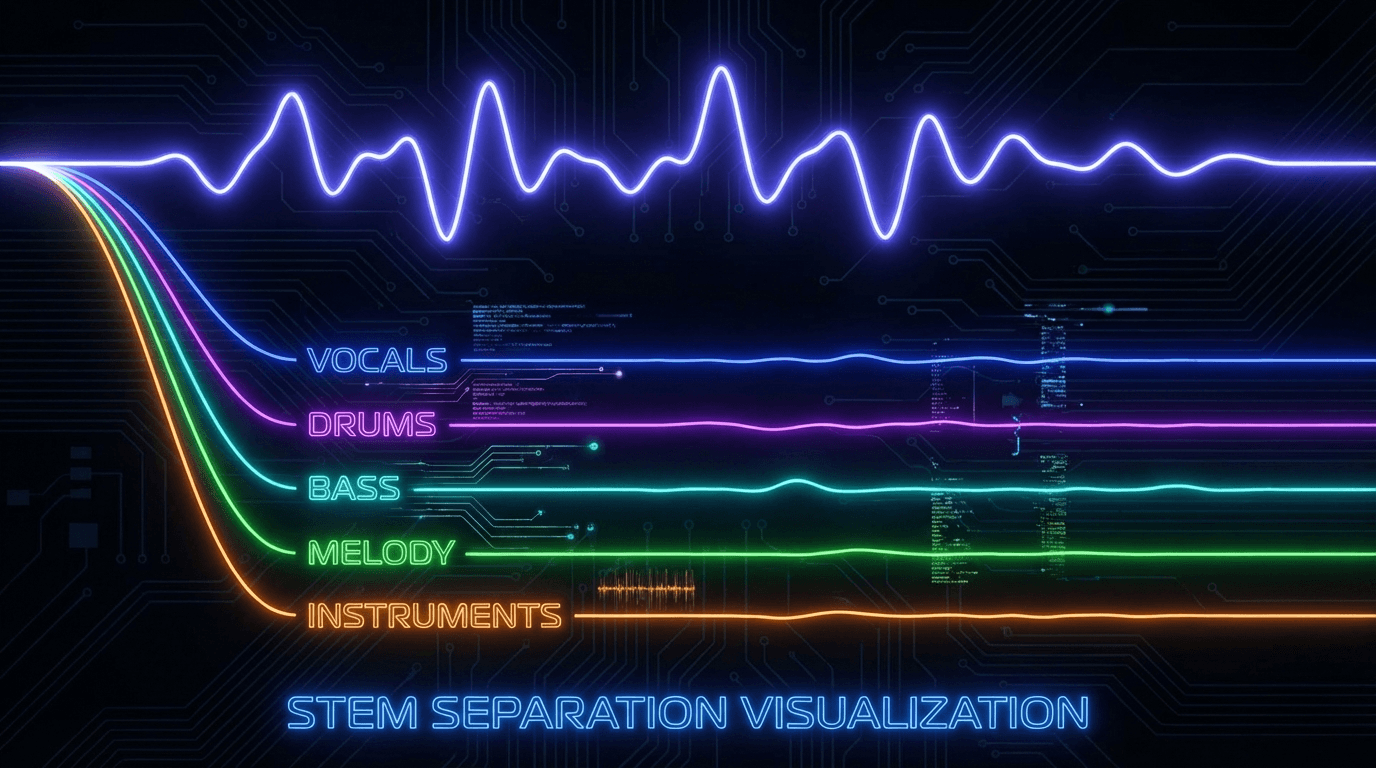
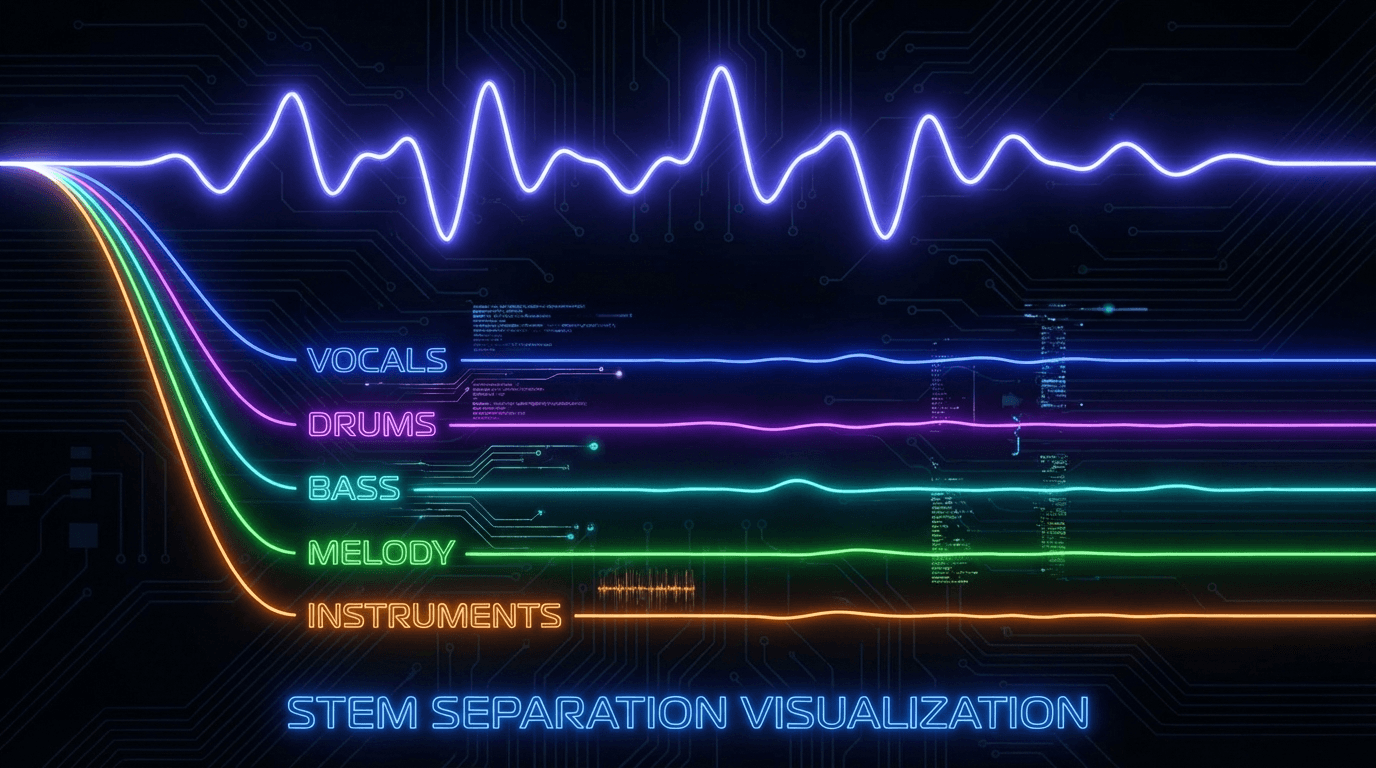
AI stem splitting is an advanced audio separation technology that uses machine learning to isolate different musical elements from a mixed audio track. Unlike basic vocal removal, stem splitting divides music into up to 12 distinct stems: vocals, drums, bass, and other instruments. This allows producers, DJs, and audio engineers to work with individual elements of a song for remixing, mashups, or detailed audio editing. Our AI stem splitter uses state-of-the-art deep learning models trained on millions of songs to achieve professional-quality separation with minimal artifacts.